Real-time help for Python interviews
Best Interview Copilot for Python
The go-to Python interview copilot — runnable code with follow-up support for complexity and edge cases.
Given integer array nums and target, return the indices of two distinct elements that sum to target.
Snap the Python problem instantly
Screenshot or drag in the Python interview problem. You get runnable code with a detailed explanation — real code you can type, not vague hints or pseudocode.
Try it freeHandle follow-ups with one click
When they ask you to optimize, explain time complexity, or walk through an edge case, one-click actions generate a full response — no need to type a new prompt from scratch.
Get started freeAnswers that follow the full conversation
Each response builds on the full thread — the original problem and every follow-up — so the copilot is always working from the same context you are in.
Try it freeUndetectable design
Stay hidden during live interviews
Context-aware answers
It listens to the full conversation, not just what is on screen — so every suggestion stays current.
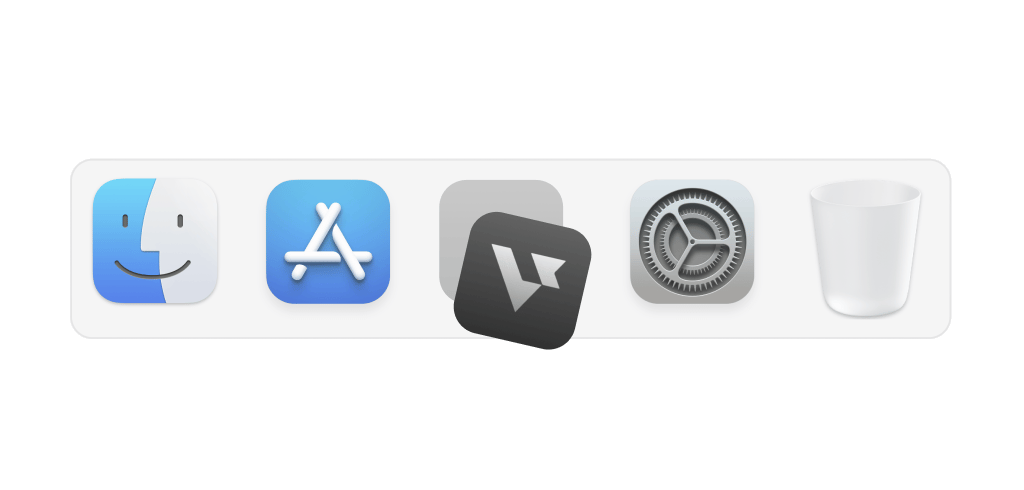
Hide on dock
Stay hidden from the dock so no one notices it
Transparent UI
Access the app without interfering with meeting screens
Smart hotkeys
Use shortcuts to activate support instantly and effortlessly
Leetcode style interview
How to use AI Coding Copilot
Easy 3-step to crack any live coding challenges
Start now01
Start interviews
Launch coding copilot and start your interview session
02
Capture & solve
Snap problems with a hotkey, plug-in, or screenshot for an automatic solution
03
Easy follow-ups
Optimize code, handle edge cases, or simplify logic with a simple click
Interview made easy
Explore specialized tools for every interview stage


Answer
AI Interview Copilot
Instant, personalized, actionable support during live interviews
Explore the AI Interview CopilotFAQ
Common questions about the best interview copilot for Python
What is the best interview copilot for Python?
The best interview copilot for Python gives you runnable code — not vague hints — follows the conversation as the interviewer changes the problem, and stays hidden during screen share. Verve AI is built around that flow: you capture the question, get a working Python solution with a short explanation, and handle follow-ups without switching tools.
Is Verve AI safe to use while screen sharing?
What types of Python coding interview questions does Verve AI help with?
LeetCode-style algorithms (arrays, trees, graphs, dynamic programming), take-home style problems, and many verbal follow-ups. Whether the prompt is on screen or spoken, Verve AI can pick it up and walk you through a solution in Python.
Does it generate actual Python code or just hints?
You get runnable Python and a clear explanation of the approach so you can type it and discuss it. It is not meant as autocomplete or a one-line hint — the idea is a full answer you can adapt.
What happens when the interviewer asks me to optimize my Python solution?
Verve AI follows the thread of the conversation, not only the first prompt. If they ask for better time complexity, a different structure, or an edge case, you get an updated response. There are also quick actions (optimize, debug, explain) if you want to steer without typing a long prompt.
Does Verve AI work with collaborative coding platforms like CoderPad or HackerRank?
Yes. Verve AI runs alongside whatever platform you are using — CoderPad, HackerRank, CodeSignal, or any other shared coding environment. With Stealth Mode on, it stays off what you share — so your shared view stays your code, not the assistant.
Will the interviewer know I'm using Verve AI during a Python coding round?
With Stealth Mode on, the copilot stays off your shared view — they see your code, not the assistant. For how it behaves on specific platforms, see the stealth docs linked below. Learn more about stealth mode