Real-time help for Rust interviews
Best Interview Copilot for Rust
Your Rust interview copilot — borrow-checker-approved code with lifetime follow-ups in real time.
Given integer array nums and target, return the indices of two distinct elements that sum to target.
Snap the Rust problem instantly
Screenshot or drag in the Rust interview problem. You get ownership-correct code with lifetimes handled and the borrow checker satisfied — and a clear explanation to go with it.
Try it freeHandle ownership follow-ups with one click
When they push on lifetimes, trait bounds, or async Rust, quick actions give you an updated safe answer without writing a full new prompt.
Get started freeHidden even when you share your screen
On a shared terminal or CoderPad, Stealth Mode keeps the copilot off the capture so interviewers see your Rust, not the assistant.
Learn about stealth modeUndetectable design
Stay hidden during live interviews
Context-aware answers
It listens to the full conversation, not just what is on screen, so every suggestion stays current.
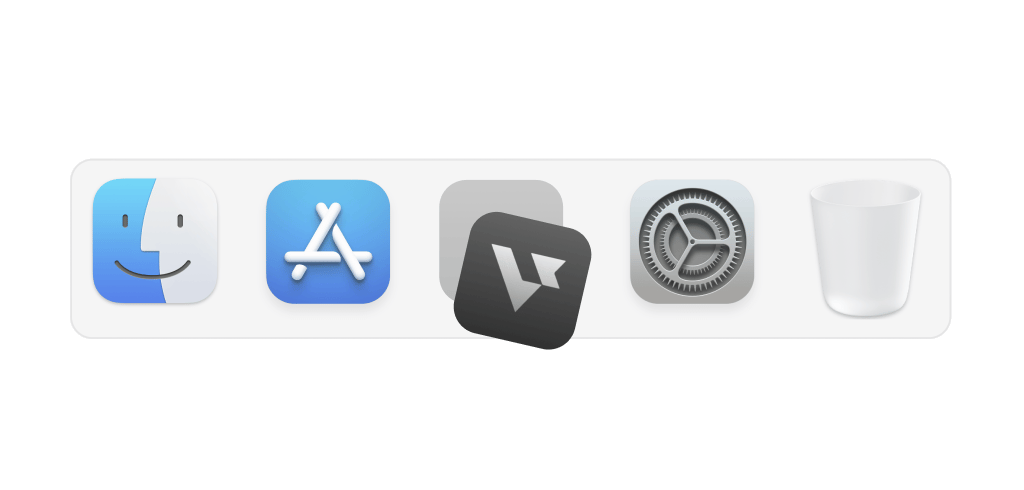
Hide on dock
Stay hidden from the dock so no one notices it
Transparent UI
Access the app without interfering with meeting screens
Smart hotkeys
Use shortcuts to activate support instantly and effortlessly
Leetcode style interview
How to use AI Coding Copilot
Easy 3-step to crack any live coding challenges
Start now01
Start interviews
Launch coding copilot and start your interview session
02
Capture & solve
Snap problems with a hotkey, plug-in, or screenshot for an automatic solution
03
Easy follow-ups
Optimize code, handle edge cases, or simplify logic with a simple click
Interview made easy
Explore specialized tools for every interview stage


Answer
AI Interview Copilot
Instant, personalized, actionable support during live interviews
Explore the AI Interview CopilotFAQ
Common questions about the best interview copilot for Rust
What is the best interview copilot for Rust?
The best interview copilot for Rust gives you code that satisfies the borrow checker, handles ownership and lifetime questions, and stays hidden during screen share. Verve AI covers that: capture the problem, get correct Rust with the ownership model explained, and handle follow-ups in one click.
Is Verve AI safe to use during a Rust coding interview on screen share?
What types of Rust interview questions does Verve AI handle?
Algorithms in Rust, ownership and borrowing, lifetime annotations, trait design, generics, async/await with Tokio, and systems-style problems. Interview-pad and terminal formats work.
Can Verve AI help with Rust ownership and lifetime questions?
Yes. Move semantics, borrow rules, 'static lifetimes, Rc vs Arc, and Box patterns are in scope with working Rust you can type and explain.
What happens when the interviewer asks me to make my Rust code more idiomatic?
Verve AI tracks follow-ups: trait implementations, iterator chains, and lifetime clarifications produce updated code. Quick actions help when you want to iterate without retyping.
Does Verve AI work alongside Rust coding environments during an interview?
Yes. Verve AI runs beside your coding setup — CoderPad, a local terminal, or any shared environment. Stealth Mode keeps it off what you share.
Will the interviewer know I'm using Verve AI for my Rust interview?
Stealth Mode is designed so the copilot stays off typical shared video and screen regions. Your code stays the focus. Learn more about stealth mode