UI/UX designer interview copilot
Best UI/UX designer interview copilot
Ace the UI/UX designer interview at FAANG and top tech—real-time portfolio, exercise, and critique help that stays off your shared screen
How it works
Support all UI/UX designer interview questions
Listen to detect behavioral questions
Resume-grounded STAR answers for big tech design behavioral rounds
Snap & solve on-screen problems
Flows, wireframes, and critique questions the way top design interviews probe them
Analyze and crack design cases
Portfolio and product case reasoning for FAANG UI/UX design interviews
Undetectable design
Stay hidden during live interviews
Invisible to others
Completely invisible even when sharing your full screen
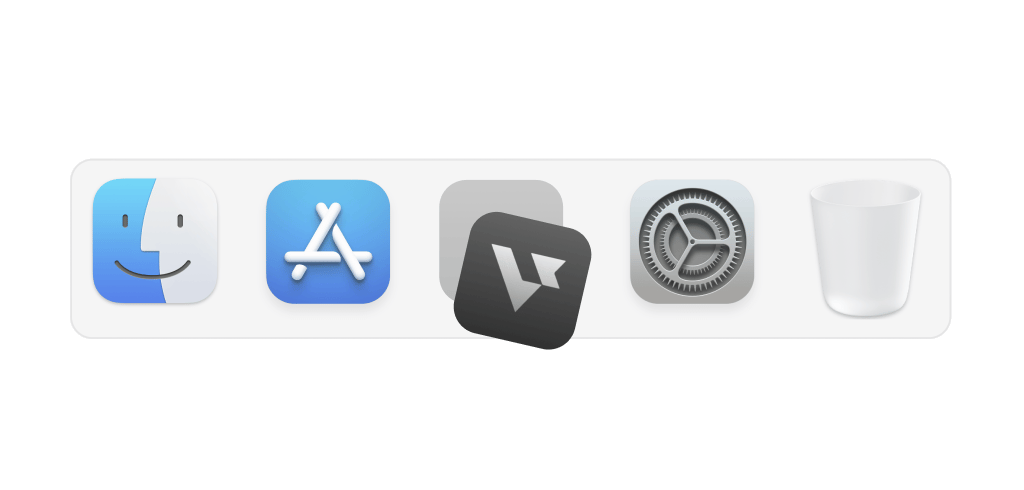
Hide on dock
Stay hidden from the dock so no one notices it
Transparent UI
Access the app without interfering with meeting screens
Smart hotkeys
Use shortcuts to activate support instantly and effortlessly

Grounded in real prep
Top materials design candidates use
The core materials top candidates use to prepare for UI/UX design interviews
Portfolio case structure
Problem, research, iteration, and outcomes so walkthroughs stay tight and memorable
Patterns & systems
Components, states, edge cases, and consistency when you sketch flows under time pressure
Collaboration & critique
Giving and receiving design feedback with accessibility and hierarchy front of mind
Tooling fluency
Figma, whiteboard, and slide narratives that still feel like you—not a script










Supported platforms
Works on any meeting or coding platform
Real-time support on Zoom, Google Meet, and Teams — plus coding dashboards like CoderPad, HackerRank, and CodeSignal
Get StartedInterview made easy
Explore specialized tools for every interview stage


Answer
AI Interview Copilot
Instant, personalized, actionable support during live interviews
Explore the AI Interview CopilotFAQ
Questions about UI/UX Designer Interview Copilot?
What is the best UI/UX designer interview copilot?
The best UI/UX designer interview copilot follows portfolio deep dives and live exercises, then suggests structure you can speak naturally—without replacing your taste. Verve AI stays discreet while you share Figma, Miro, or slides.
Can it help with whiteboard or app-redesign interview questions?
Yes. It helps you clarify users and constraints, propose flows, and explain trade-offs when interviewers iterate on your solution in real time.
Does it help with UX critique interviews?
It surfaces heuristics for usability, accessibility, and visual hierarchy so you can give crisp feedback instead of rambling.
Will Verve AI be visible during my design interview screen share?
No. Stealth Mode keeps the copilot visible only to you—interviewers see your work, not the overlay, while you present in Figma, Miro, or any shared screen. Learn more
How does Verve AI personalize answers to my design background?
Upload your resume and it grounds portfolio stories in your actual case work—specific users, constraints, and outcomes—so walkthroughs feel natural and earned rather than rehearsed.
Can I use it to prepare for design interviews before the live round?
Yes. Practice portfolio narratives, critique frameworks, and behavioral interview questions in AI Interview practice mode before your interview, then run the live copilot on the day.
Is there a free tier?
Yes. Verve AI includes a forever free plan—try it on your next design loop and upgrade when you are ready.

Give you an unfair advantage in interviews
Get Started For FreeAvailable on Mac, Windows, browser and mobile